PyAI Solutions / Phone operations
Call
center automation
Keep repeatable calls moving while preserving a clear path to your team.
Make it work for your team
The shape of
a useful first version.
Start with a bounded job, give the product the context it needs and test the full path before extending the workflow.
- 01
Pick repeatable queues
Start where calls are high-volume, bounded, and outcome-driven.
- 02
Ship Omni or Agents
Use Omni API for developer stacks, or the Agents feature for team-led launches — manage, evaluate & ship with no code.
- 03
Trace everything
Monitor, score, summarize, and improve calls continuously.
See the workspace behind it
Make the setup
your own.
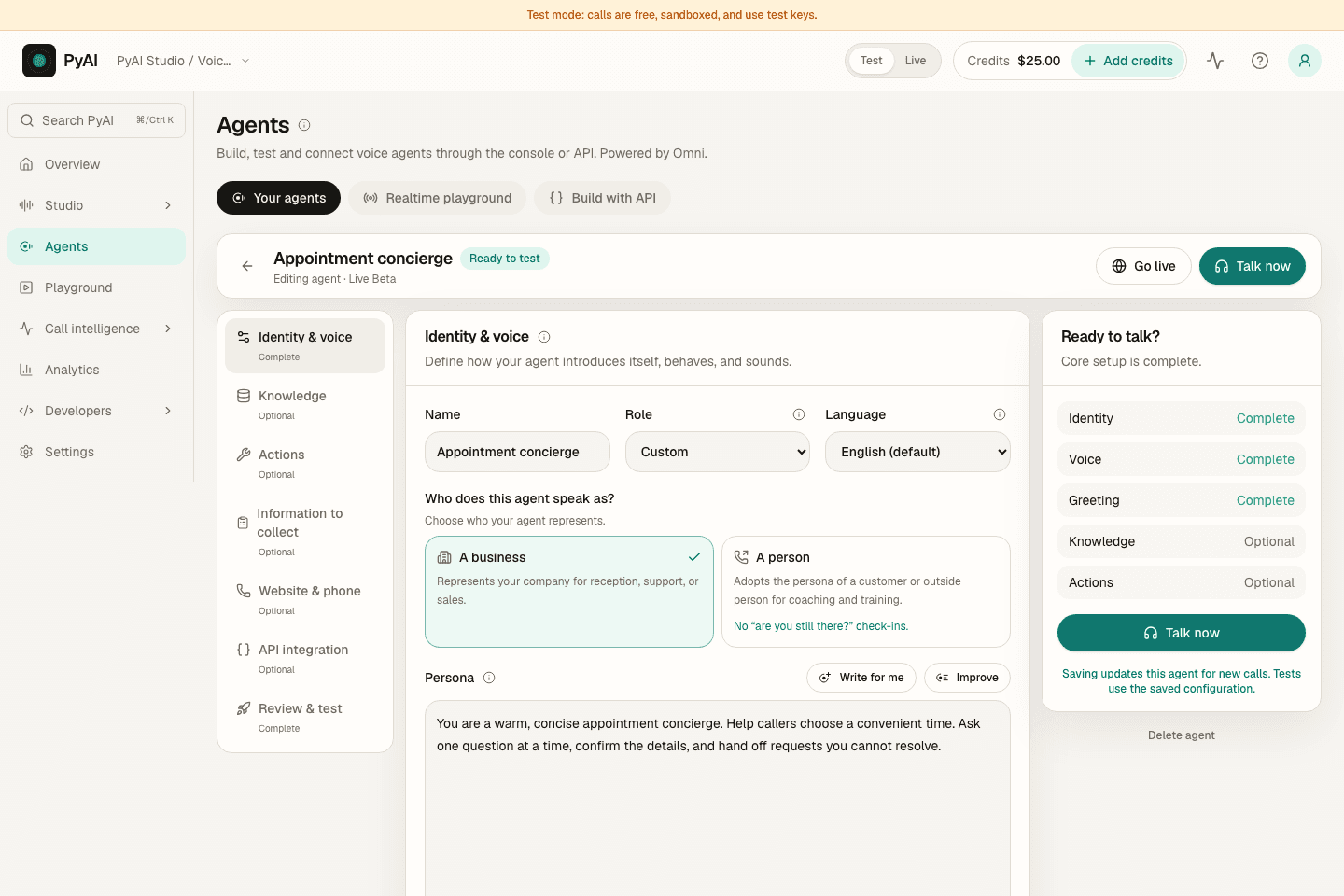
Write the instructions, choose a voice and connect the knowledge and tools for the job. Then test the conversation before connecting it to your callers.
Explore AgentsFollow the real Console with a sample workspace, narrated by Aria, our Natural English voice.
The products behind the workflow
Connected where it matters.
Yours to build around.
Explore the products that support this solution, including real demos, configurable examples and current integration guidance.
A little more detail
Before your
first rollout.
Keep the first workflow focused. Test representative inputs, review the output and make the next step clear to your team.
Which calls should we automate first?
Start with queues that are high-volume, bounded, and outcome-driven, then expand as the results hold up.
Do we need engineers to launch?
Use Omni API for developer stacks, or the Agents feature to manage, evaluate, and ship agents with no code.
What does this replace?
It handles repeatable inbound and outbound calls while your team keeps complex cases, policy decisions and human escalation.
Make this workflow your own.
Sandbox keys never bill. Fund a live key when you go to production.