THE DEVELOPER TOOLKIT
Natural voice.
Your stack.
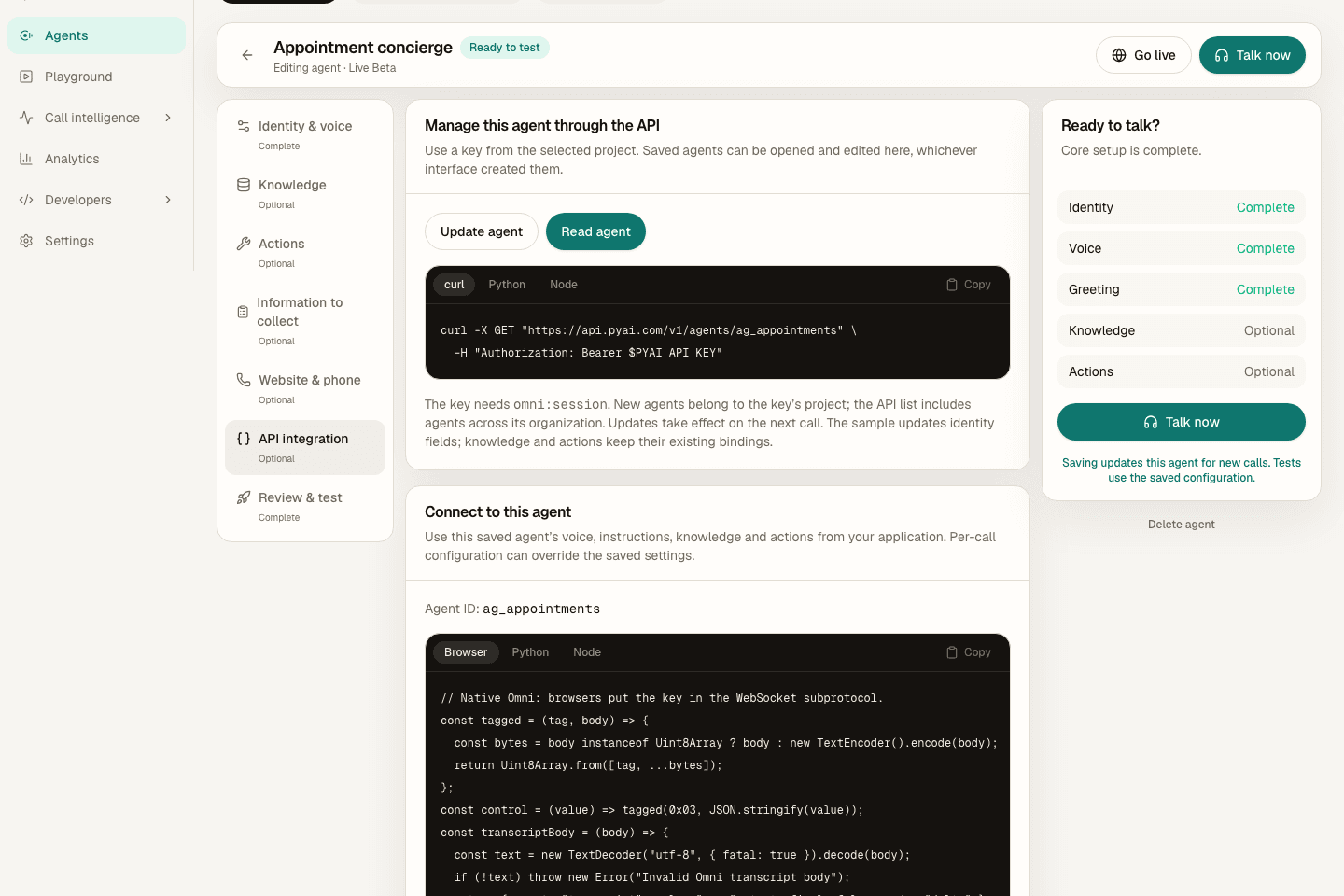
READY TO BUILD
A good starting point.
Pick the SDK that fits your application
Every project includes an entry point, dependencies, environment template, and run instructions.
Python 3.10+ · v0.4.0
Python
Stream Speak and transcribe recordings with Hear through one reusable client.
python -m pip install pyai-sdk==0.4.0Node.js 22+ · v0.4.0
TypeScript
Use typed requests and native ReadableStream audio in your Node.js backend.
npm install @pyai/sdk@0.4.0Node.js 22+ · v0.4.6
Twilio
Bridge a Twilio Media Stream to Omni for the complete speech-to-speech loop.
npm install @pyai/twilio@0.4.6Python 3.10–3.13 · v0.1.2
LiveKit
Add Hear and Speak to an existing LiveKit Agents session.
python -m pip install livekit-plugins-pyai==0.1.2Python 3.10–3.13 · v0.1.2
Pipecat
Plug PyAI speech services into the transport and LLM pipeline you already use.
python -m pip install pipecat-pyai==0.1.2Start inside your coding agent
Use Cursor, Codex, or Claude Code with the same API contract and runnable starters.
Connect PyAI through browser OAuth, select your project, then ask your agent to call get_started and whoami. View setup for ChatGPT, Claude and other apps.
codex mcp add pyai --url https://api.pyai.com/mcp
codex mcp login pyaiclaude mcp add --transport http pyai https://api.pyai.com/mcp{
"mcpServers": {
"pyai": {
"url": "https://api.pyai.com/mcp"
}
}
}Merge the pyai entry into your existing mcpServers configuration. Enable it in Cursor’s MCP settings.
Read https://pyai.com/skill.md and https://pyai.com/sdks.md.
Use the matching starter to add PyAI voice to this project.
Keep credentials in environment variables. Run a short synthetic
audio test and report the result and any missing credentials.
Do not place a phone call or send a message unless I ask.
Want a reusable local skill? Copy the Codex and Claude Code skill install commands. Any tool that reads Markdown can use skill.md.
SDK questions
Which SDK should I choose?
Use Python or TypeScript for direct API work, Twilio for an Omni phone agent, or the LiveKit and Pipecat adapters when those frameworks already own your application loop.
Are the examples complete projects?
Yes. Downloads contain dependencies, an environment template, source, and run instructions. Each page lists exactly what the starter does and any extra accounts needed for a full voice agent.
Can my coding agent read the documentation?
Yes. Public Markdown includes the getting-started guide, skill, webhooks, and source for every SDK starter. The MCP server also exposes tools for API discovery and sandbox testing.
Will changing SDKs change speech quality?
The SDKs connect to the same PyAI services. Select the appropriate voice and language, then test representative audio and calls in your application.