Brand & press
Brand kit.
The kit includes all logos as SVG plus PNGs from 16px to 1024px.
What is PyAI?
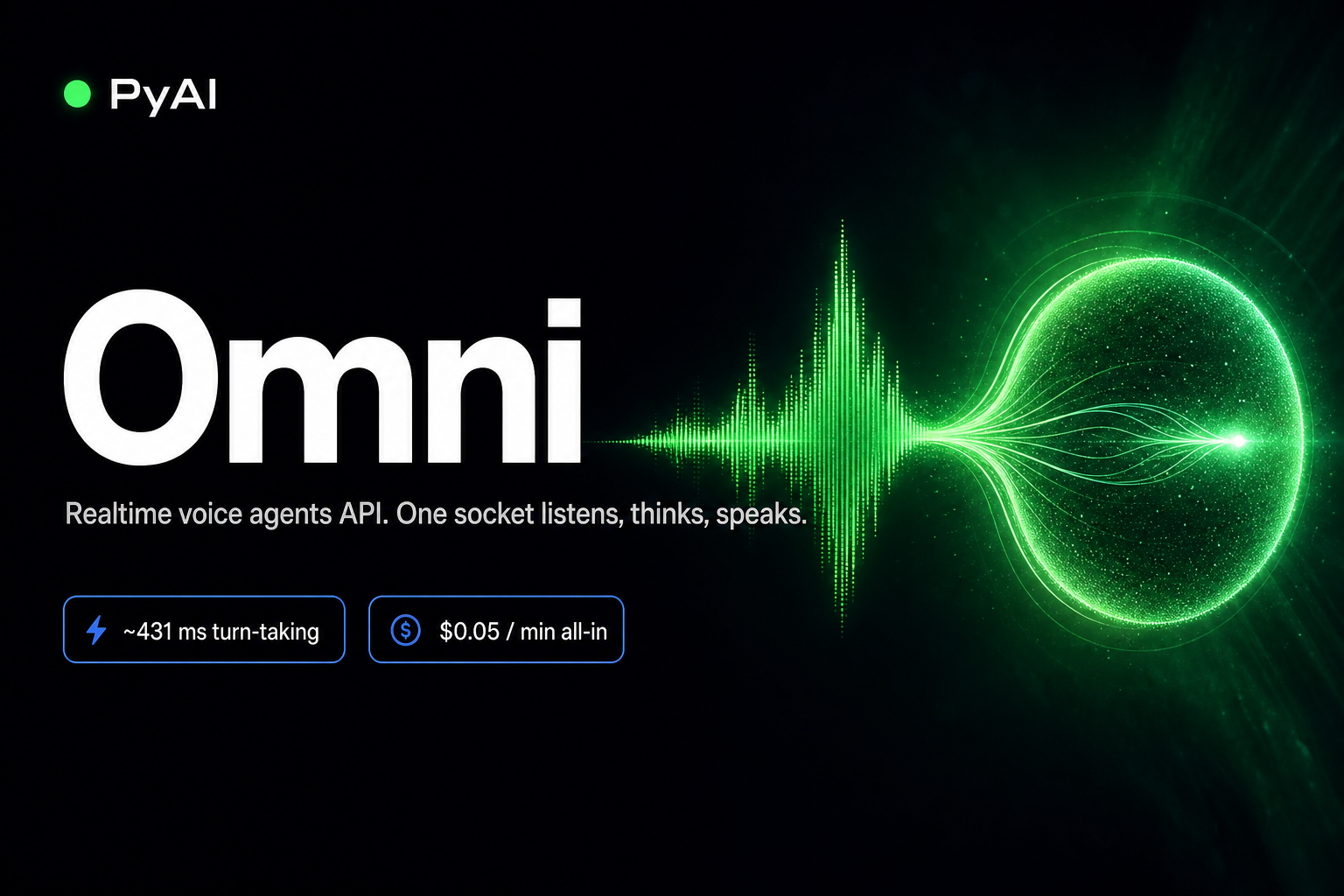
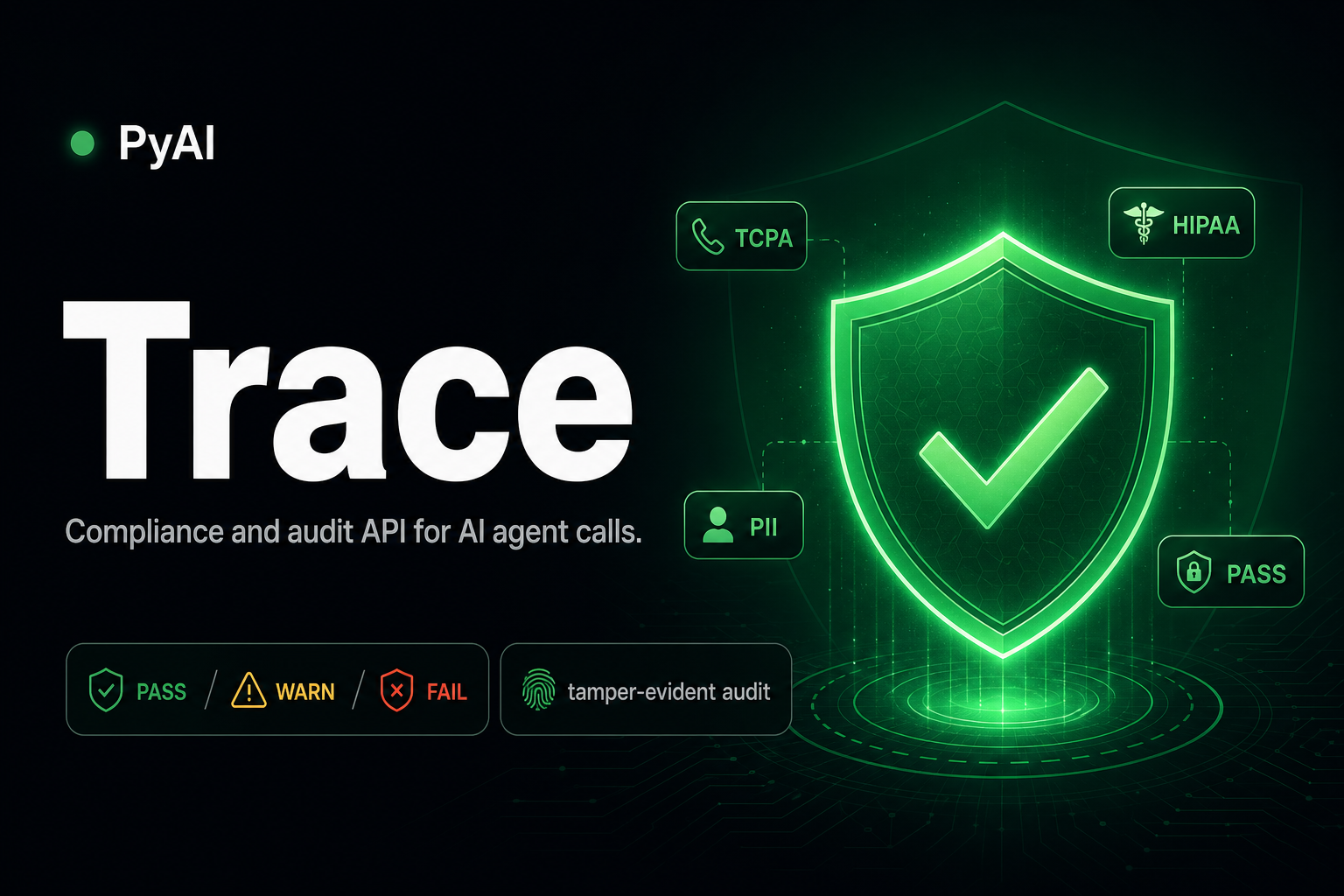
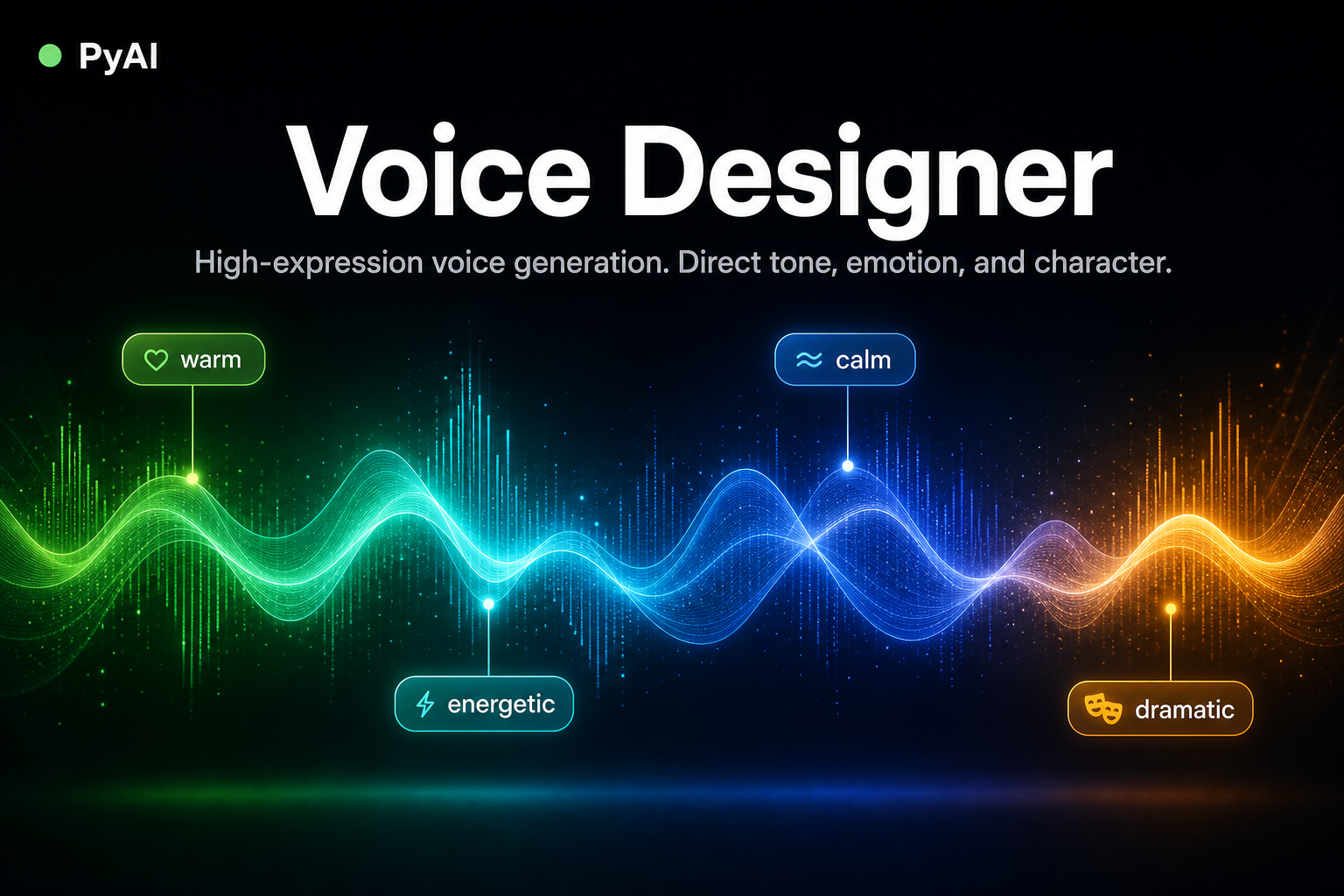
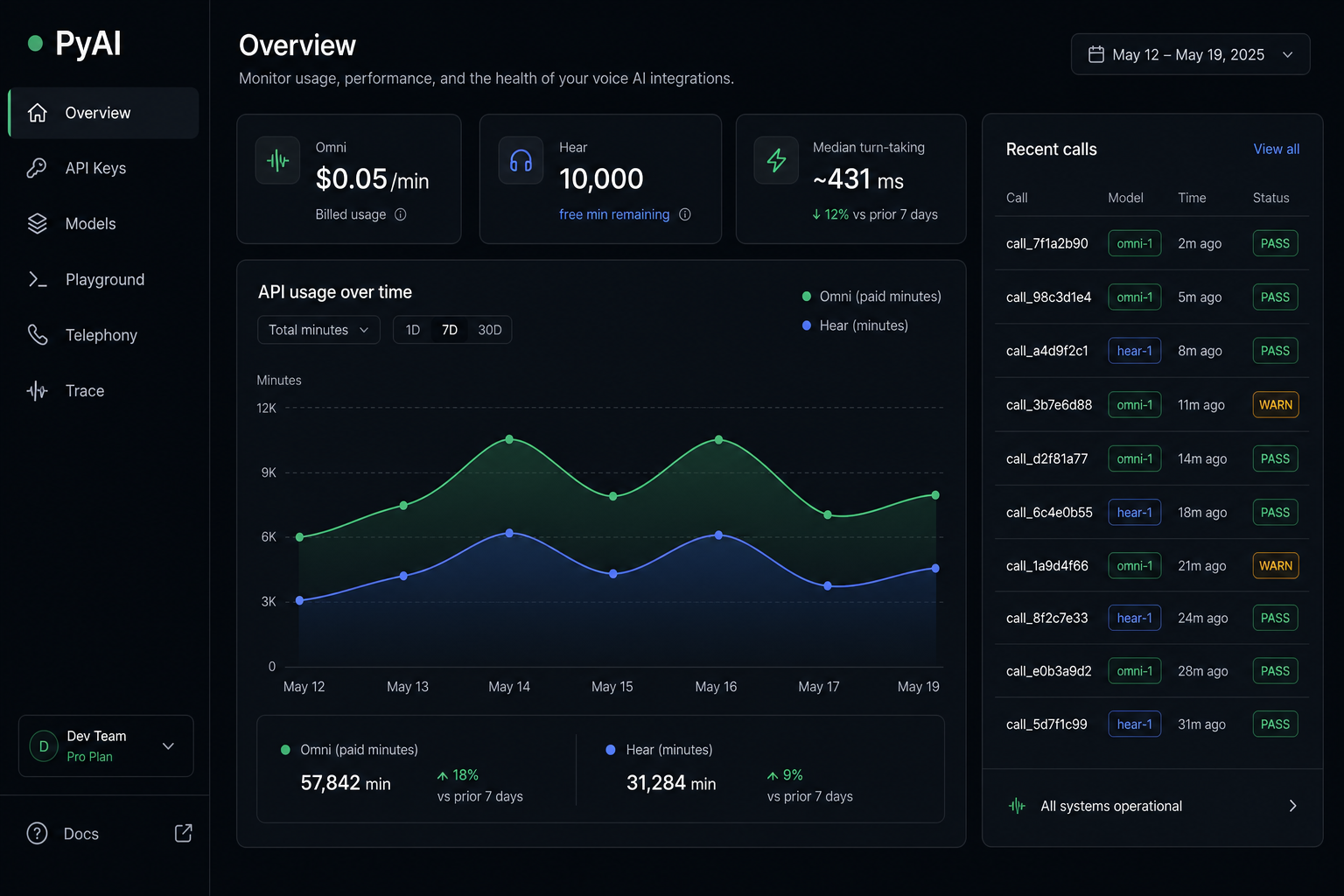
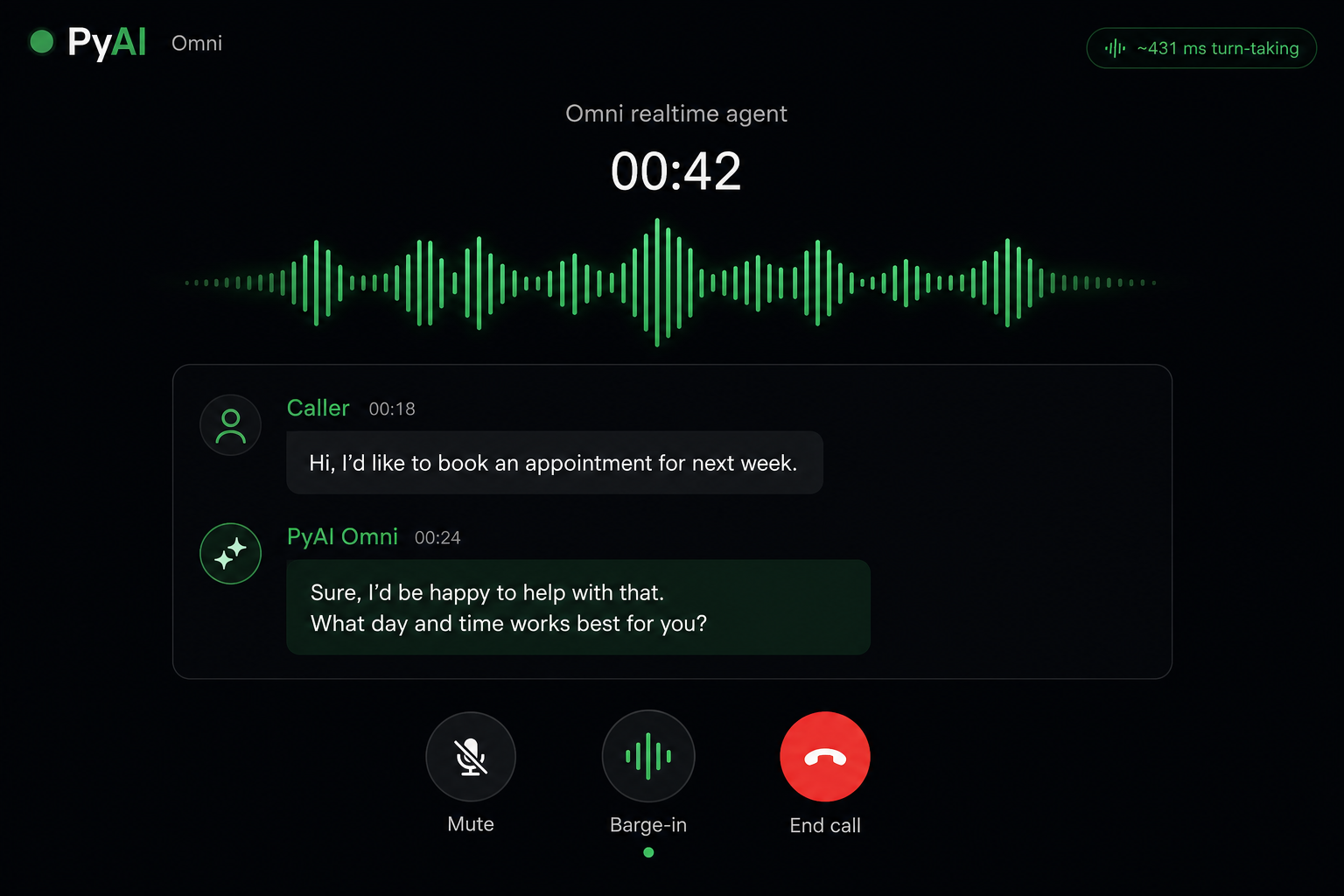
PyAI is an OpenAI-compatible voice AI platform built for the phone. It covers the full call path behind one API key: Hear for speech-to-text, Speak for text-to-speech and voice cloning, Omni for realtime voice agents, plus Trace for compliance and Cast for long-form audio. Teams point an existing OpenAI SDK at api.pyai.com, change two lines, and pay per minute with no seats, no platform fee, and no token math.
Logo
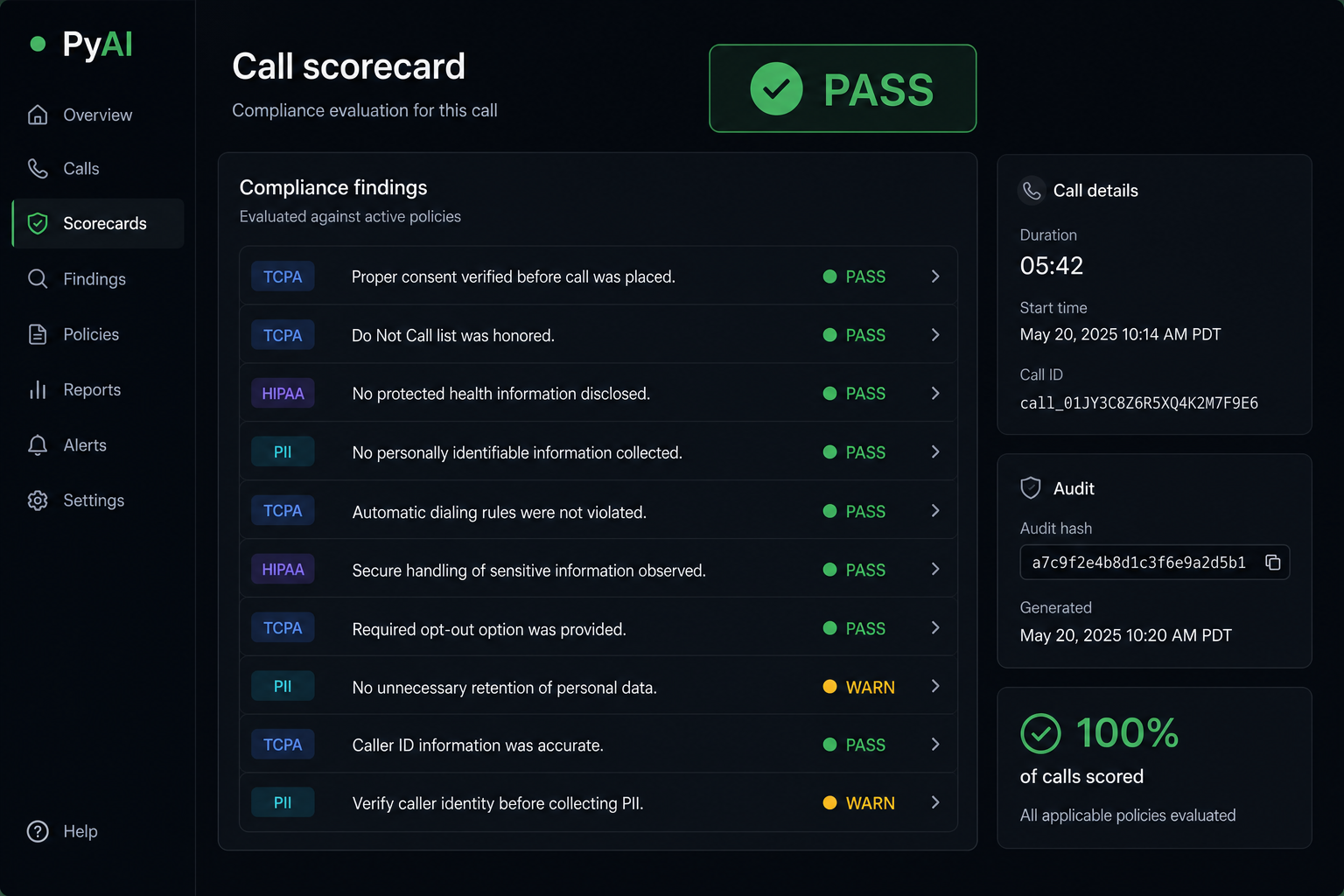
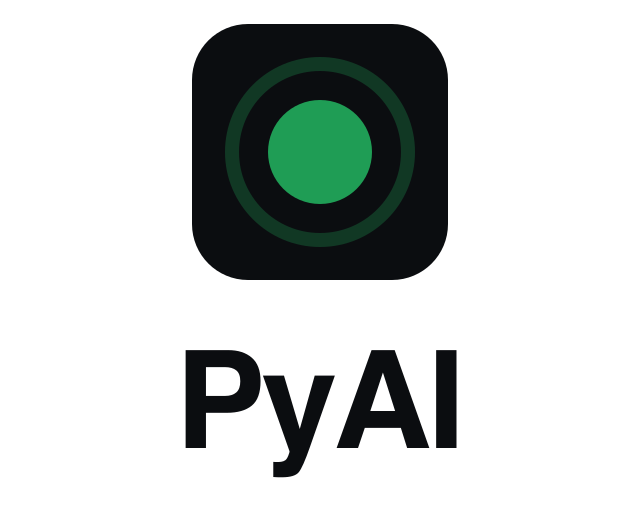
The PyAI mark is the status dot: a solid circle inside a soft ring, set in a dark rounded-square chip. Use the SVG wherever you can.


Colors
Click any swatch to copy its hex. Green is the operational color and the primary mark; blue is the alternate accent.






Usage rules
- Write the name as PyAI: capital P, capital A, capital I. Not “Pyai”, “PYAI”, or “pyAI”.
- Product names are Hear, Speak, Omni, Trace, and Cast, capitalized as shown.
- Keep clear space around the mark equal to the diameter of its dot, and never render it below 16px.
- Use the supplied files as they are. Do not redraw, recolor, stretch, rotate, or add effects.
- Link to pyai.com and, for uptime, status.pyai.com.
QUESTIONS, ANSWERED
A few useful answers.
What is included in the PyAI brand kit?
The kit includes official logos, downloadable image files, product artwork and company descriptions for press and partner use. The page provides individual downloads as well as a ZIP.
Can I change the PyAI logo?
Follow the usage rules on this page. Preserve the mark’s shape, proportions and colors; do not stretch, rotate, recolor or add effects to the logo.
How do I request additional press material?
Use the press enquiries link or contact the PyAI team for quotes, screenshots or founder availability.
Writing about PyAI?
Grab the brand kit above, or reach out and we will get you quotes, screenshots, or founder availability.