PyAI Solutions / Revenue automation
Appointment booking
by voice
More booked appointments without hiring another front-desk shift.
Make it work for your team
The shape of
a useful first version.
Start with a bounded job, give the product the context it needs and test the full path before extending the workflow.
- 01
Connect calendar tools
Give the agent availability, booking, cancellation, and confirmation tools.
- 02
Set business rules
Define services, buffers, eligibility, and edge-case handoff rules.
- 03
Measure outcomes
Use Trace and Recap to audit calls, summaries, dispositions, and revenue impact.
See the workspace behind it
Make the setup
your own.
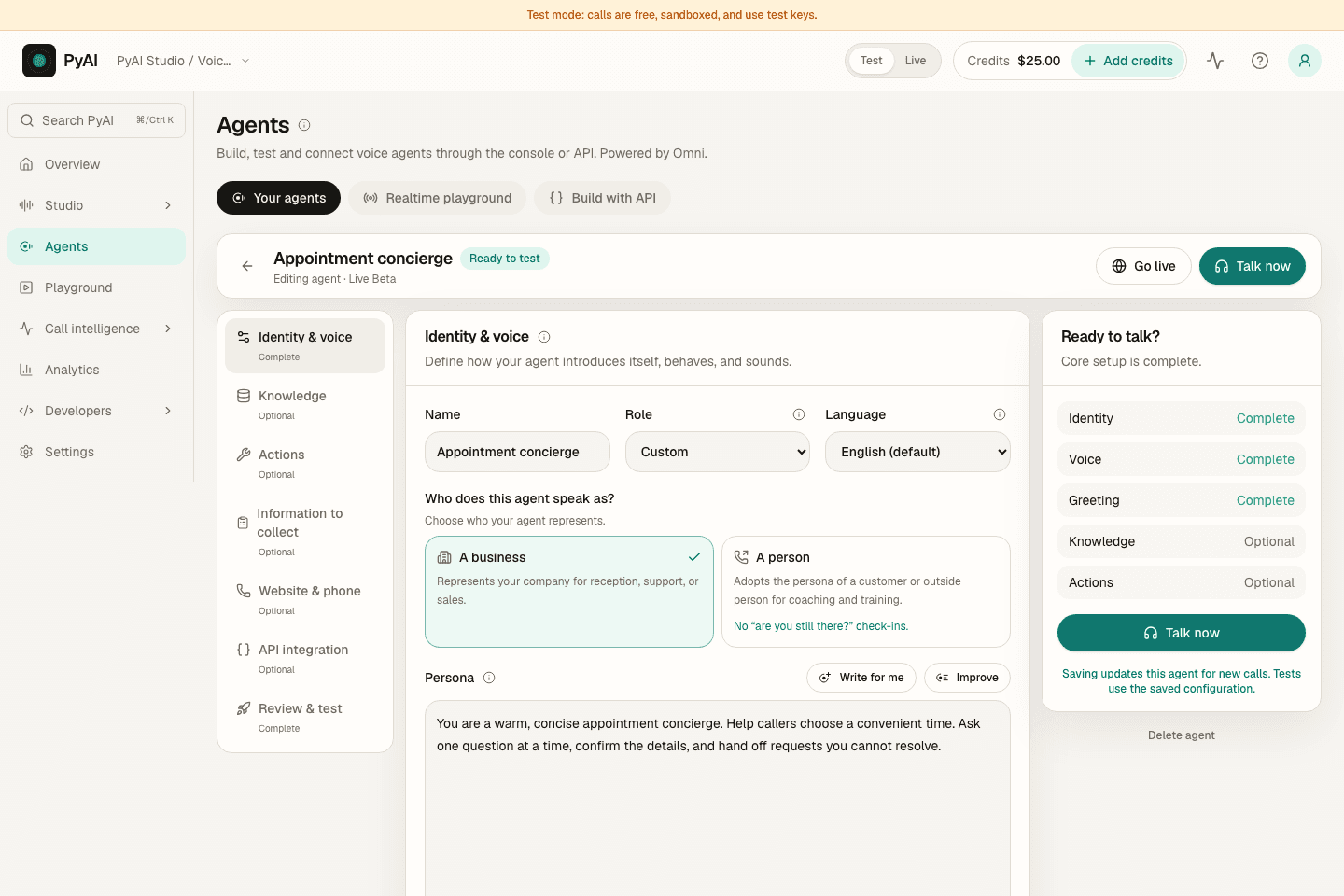
Write the instructions, choose a voice and connect the knowledge and tools for the job. Then test the conversation before connecting it to your callers.
Explore AgentsFollow the real Console with a sample workspace, narrated by Aria, our Natural English voice.
The products behind the workflow
Connected where it matters.
Yours to build around.
Explore the products that support this solution, including real demos, configurable examples and current integration guidance.
A little more detail
Before your
first rollout.
Keep the first workflow focused. Test representative inputs, review the output and make the next step clear to your team.
What can callers do in one conversation?
Callers can book, reschedule, confirm, and ask questions in one natural conversation, without menu trees or callbacks.
How does the agent know my availability?
You connect calendar tools for availability, booking, cancellation, and confirmation, then define services, buffers, eligibility, and edge-case handoff rules.
How do we measure the results?
Use Trace and Recap to audit calls, summaries, dispositions, and revenue impact.
Make this workflow your own.
Sandbox keys never bill. Fund a live key when you go to production.