PyAI Solutions / Always on
After-hours
answering service
Stop losing missed-call revenue without staffing the night shift.
Make it work for your team
The shape of
a useful first version.
Start with a bounded job, give the product the context it needs and test the full path before extending the workflow.
- 01
Set after-hours rules
Define what the agent can answer, collect, book, or escalate.
- 02
Route urgent calls
Warm-transfer or notify humans only for high-priority cases.
- 03
Summarize every call
Recap sends dispositions and next steps before the team returns.
See the workspace behind it
Make the setup
your own.
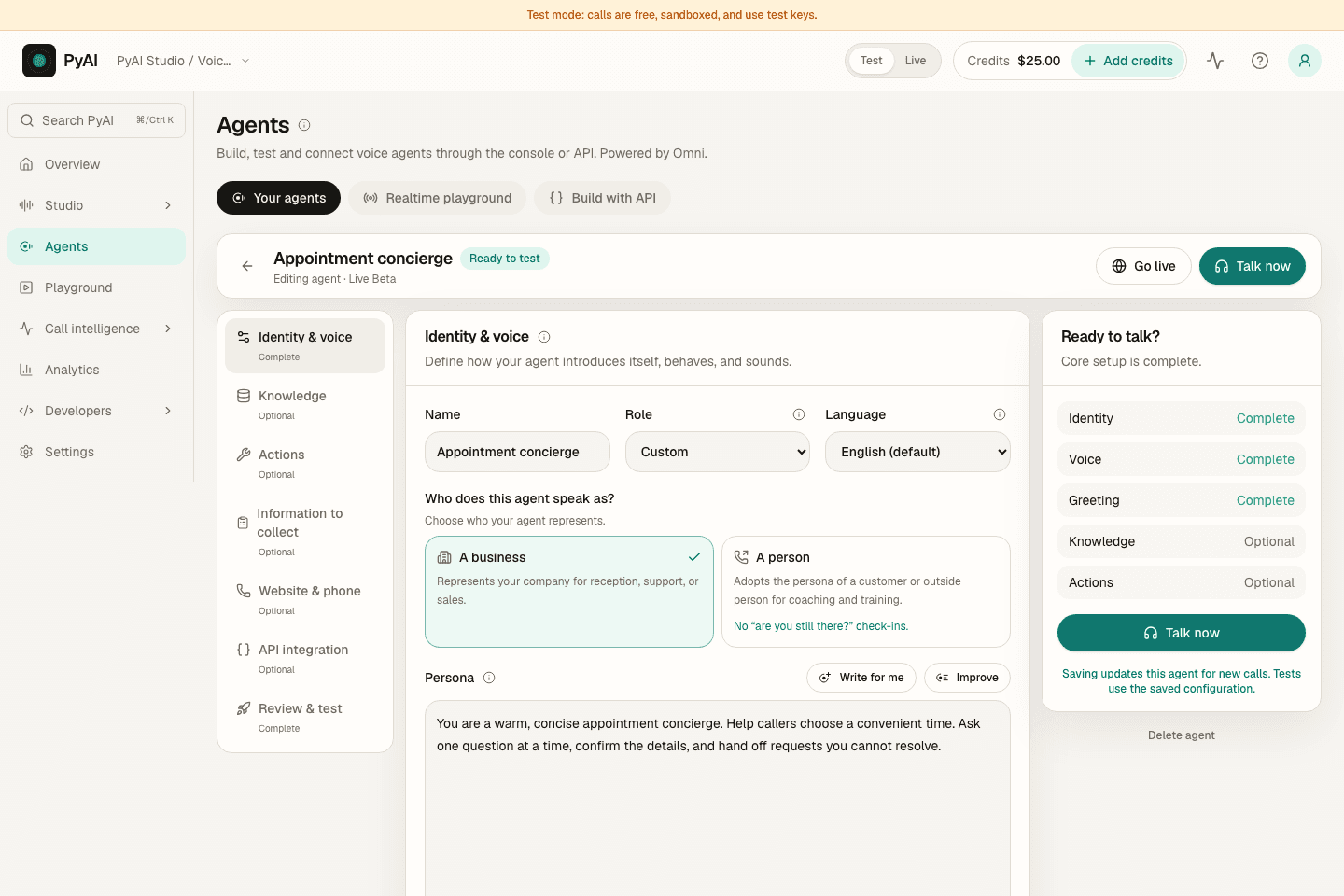
Write the instructions, choose a voice and connect the knowledge and tools for the job. Then test the conversation before connecting it to your callers.
Explore AgentsFollow the real Console with a sample workspace, narrated by Aria, our Natural English voice.
The products behind the workflow
Connected where it matters.
Yours to build around.
Explore the products that support this solution, including real demos, configurable examples and current integration guidance.
A little more detail
Before your
first rollout.
Keep the first workflow focused. Test representative inputs, review the output and make the next step clear to your team.
What does the agent handle overnight?
It answers calls outside business hours, captures intent, handles FAQs, and routes urgent issues based on the rules you set.
How are urgent calls escalated?
The agent warm-transfers or notifies humans only for high-priority cases.
How does the team catch up in the morning?
Recap sends dispositions and next steps for every call before the team returns.
Make this workflow your own.
Sandbox keys never bill. Fund a live key when you go to production.